







💣 Baguda Timer

Normal
Normal Alert Hurry Danger Panic 1 Panic 2 Critical Explosion Aftermath Repairing
00:05:00
Tasks
Scroll down when you need it. You can add multiple tasks.
0 / 0 Done
No tasks yet
In Bomb Defuse Mode, the selected task is completed automatically after a successful defuse. It stays incomplete if time runs out.

What is Baguda Timer?

Baguda Timer is a free game-like focus timer that combines a countdown with the bomb mascot Baguda. Pick a task and a time limit for work, study, chores, or anything else. Baguda becomes more anxious as time runs out, adding just enough tension to help you stay focused. It also includes task management, reports, and Mini Baguda for desktop use.

Turn Focus Into a Game With Two Modes

Choose between two modes depending on your goal. Bomb Defuse Mode helps you finish a task before the deadline, while Focus Mode keeps you working for the full session and then gives you a Repair Break after Baguda explodes.

Available

Bomb Defuse

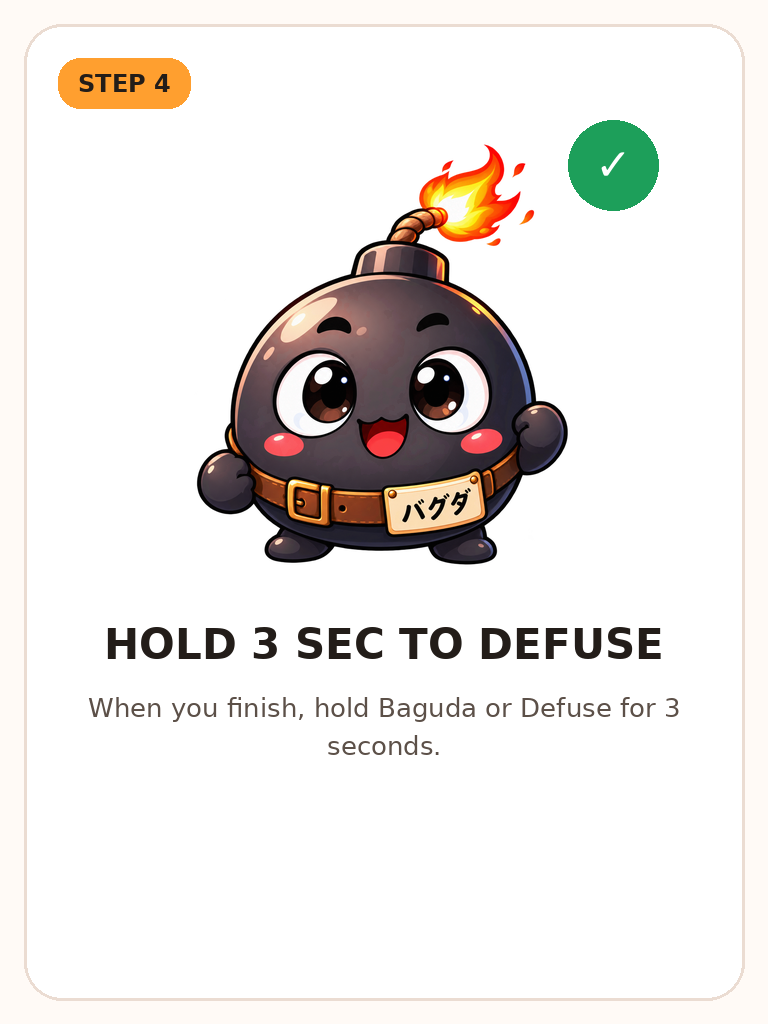
Use this mode when you want to finish a task before a deadline. Complete the task, then hold Baguda or the Defuse button for 3 seconds. A successful defuse marks the selected task complete. If time runs out, Baguda explodes.

Best for tasks you want to finish quickly with a clear deadline
Available

Focus Mode

Focus on one task for the full session. Reaching 00:00 makes Baguda explode and counts as a successful focus session. After that, Repair Mode gives you a break. The selected task is not completed automatically; the session is recorded as focus time.

Example rhythm: 25 min focus → successful explosion → 5 min Repair Break

How to Use Bomb Defuse Mode

Choose a task, set a time limit, and focus. When the task is done, hold Baguda for 3 seconds to defuse the bomb and automatically complete the selected task.

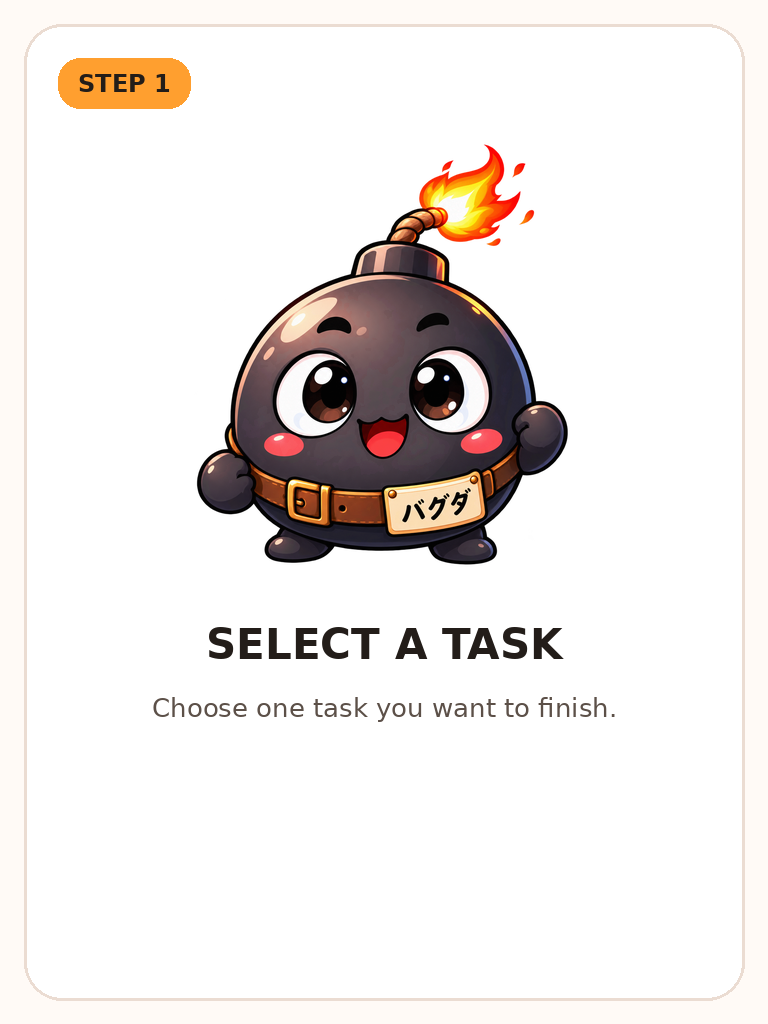
STEP 1 Select a task
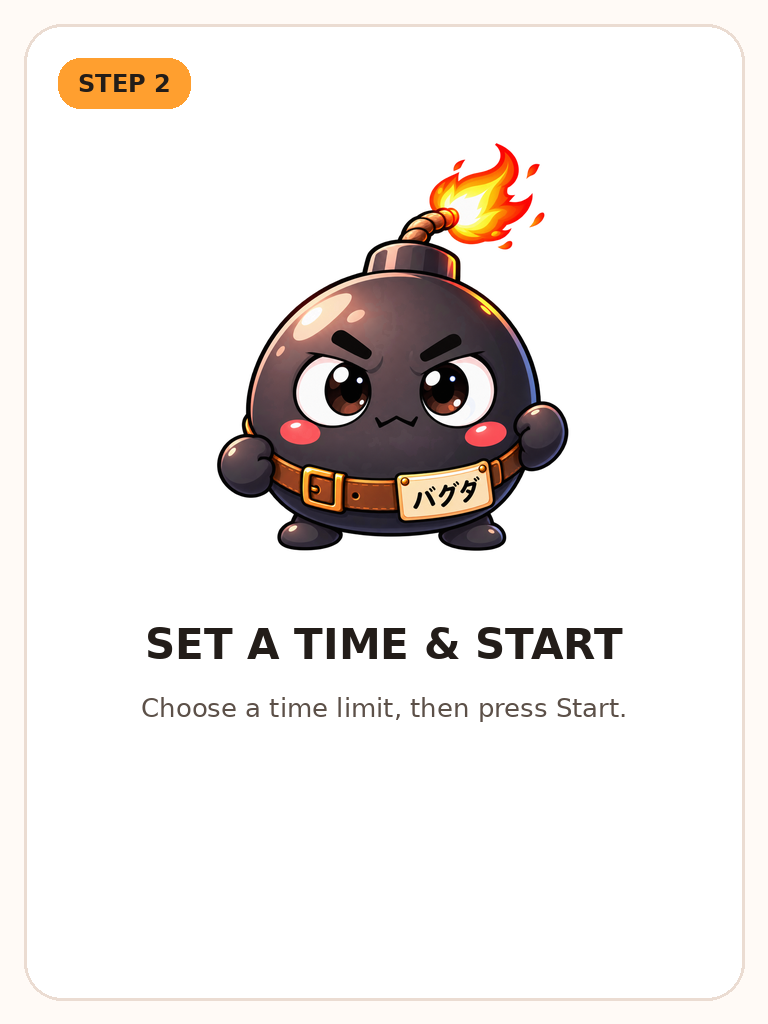
STEP 2 Set a time and start
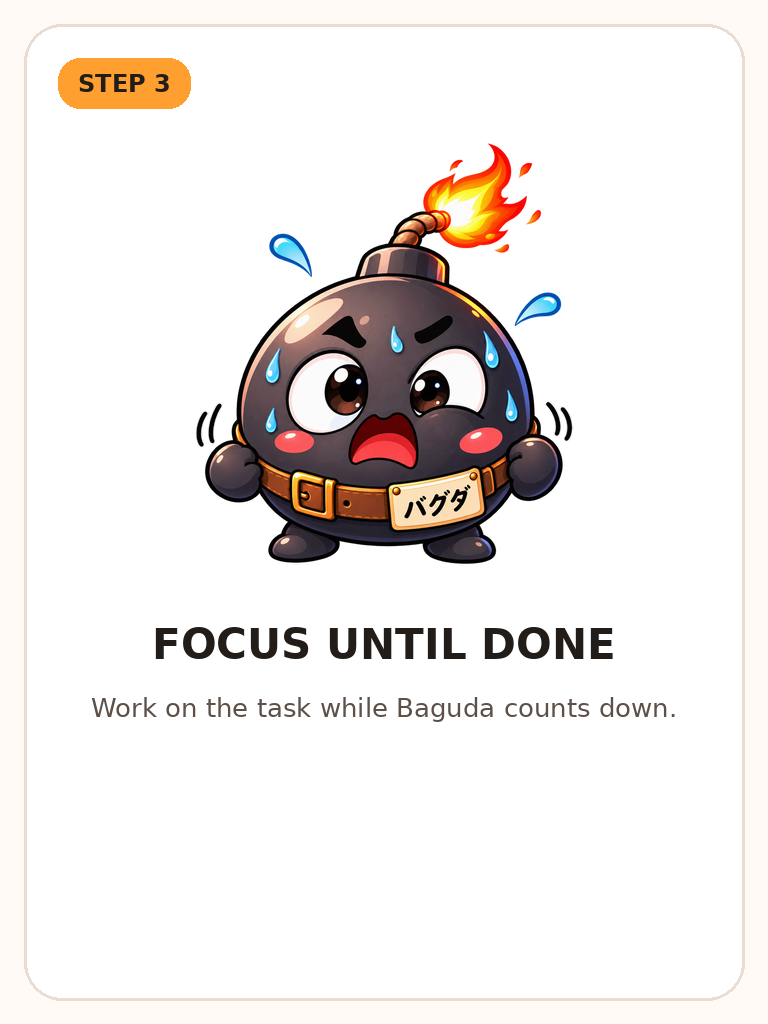
STEP 3 Focus until done
STEP 4 Hold 3 seconds to defuse
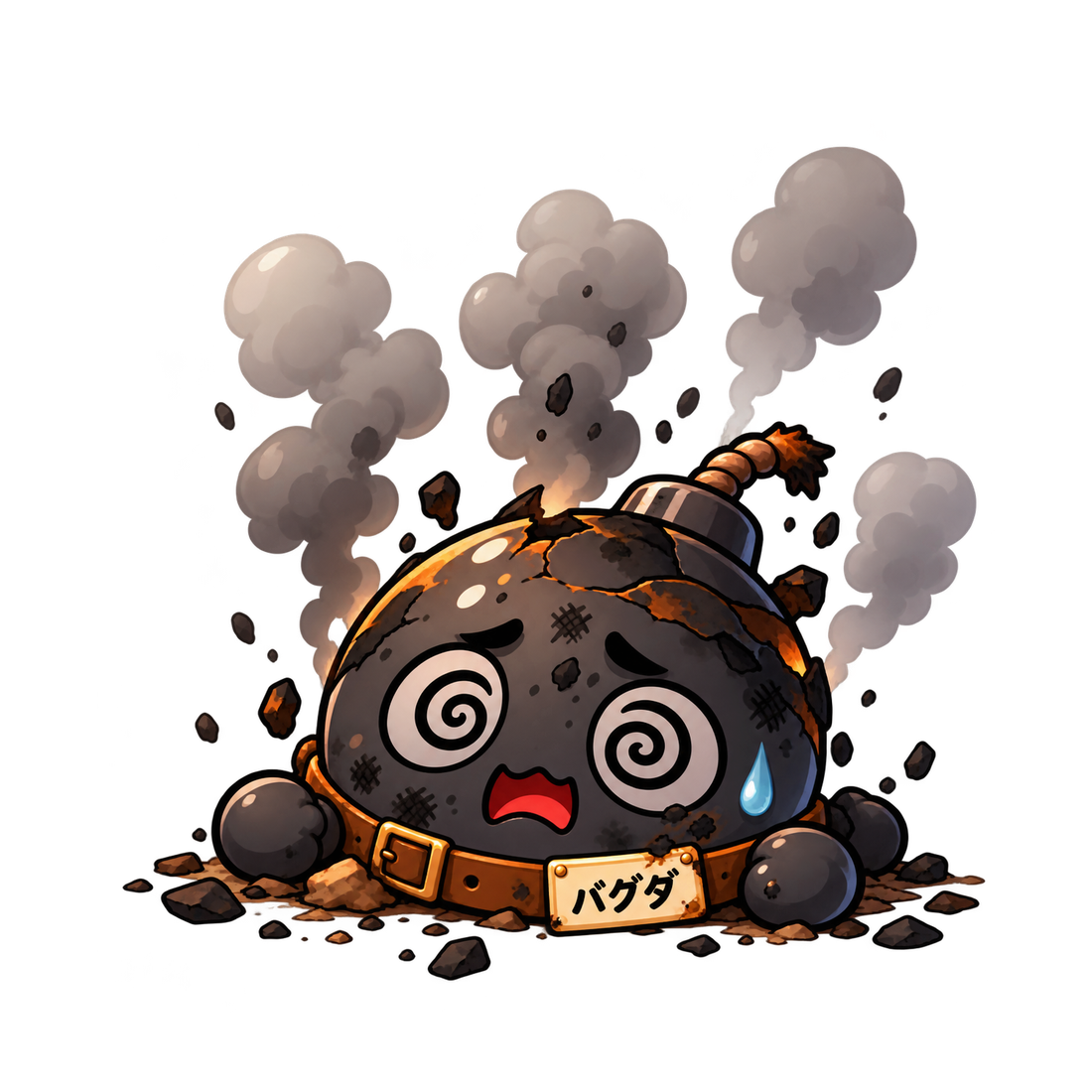
Note: If time runs out, Baguda explodes and the selected task is not marked complete.
Share Baguda Timer
ADVERTISEMENT